Notes App With No Account That Works Offline
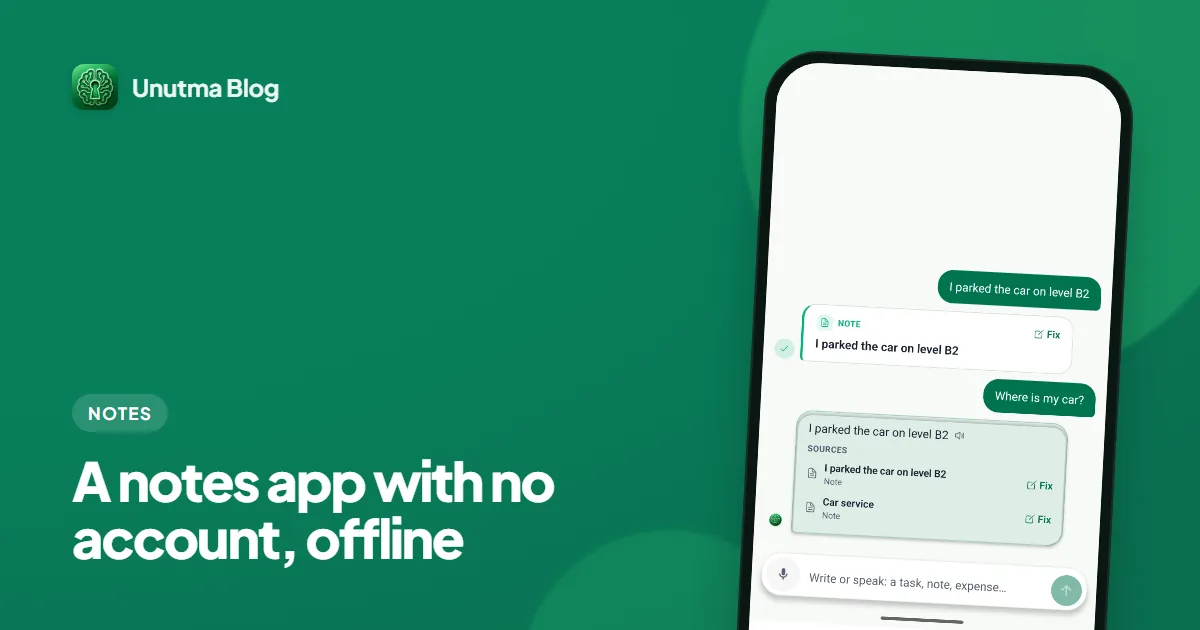
Want a notes app with no account that keeps everything on your phone? An honest table versus typical cloud note apps, including where cloud apps still win.
29 article(s)
Want a notes app with no account that keeps everything on your phone? An honest table versus typical cloud note apps, including where cloud apps still win.
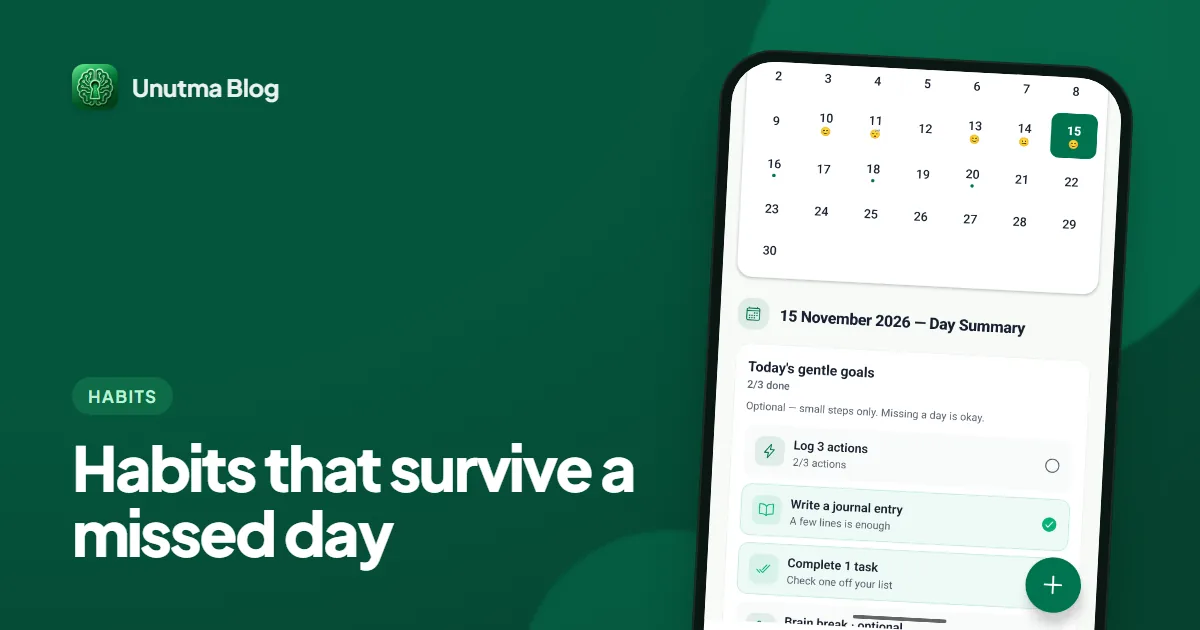
How to build habits that stick when you will miss days: a setup checklist, what a broken streak really means, and the research on how long habits take.
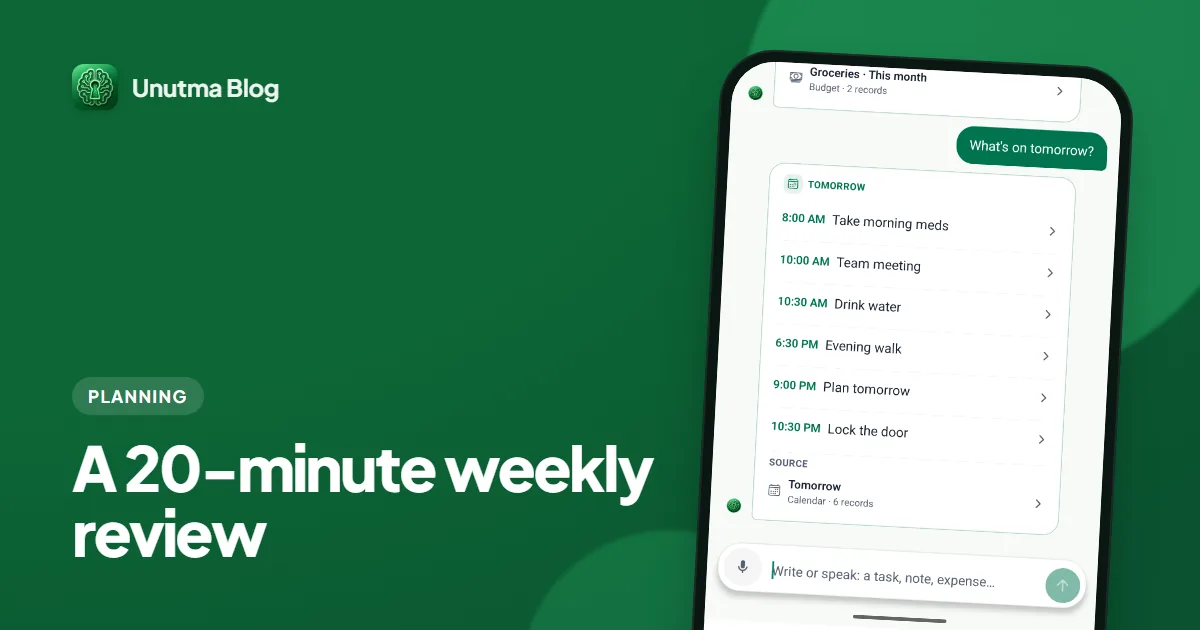
Weekly planning tips that fit in 20 minutes: a timed checklist for looking back, clearing lists, checking bills and picking three priorities for the week ahead.
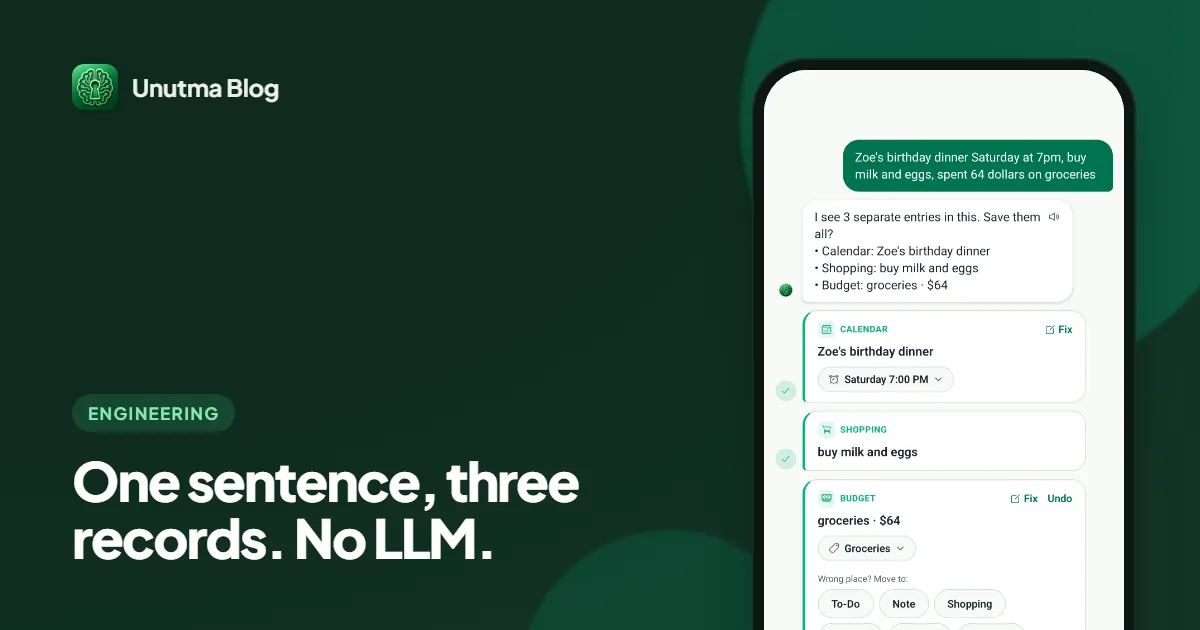
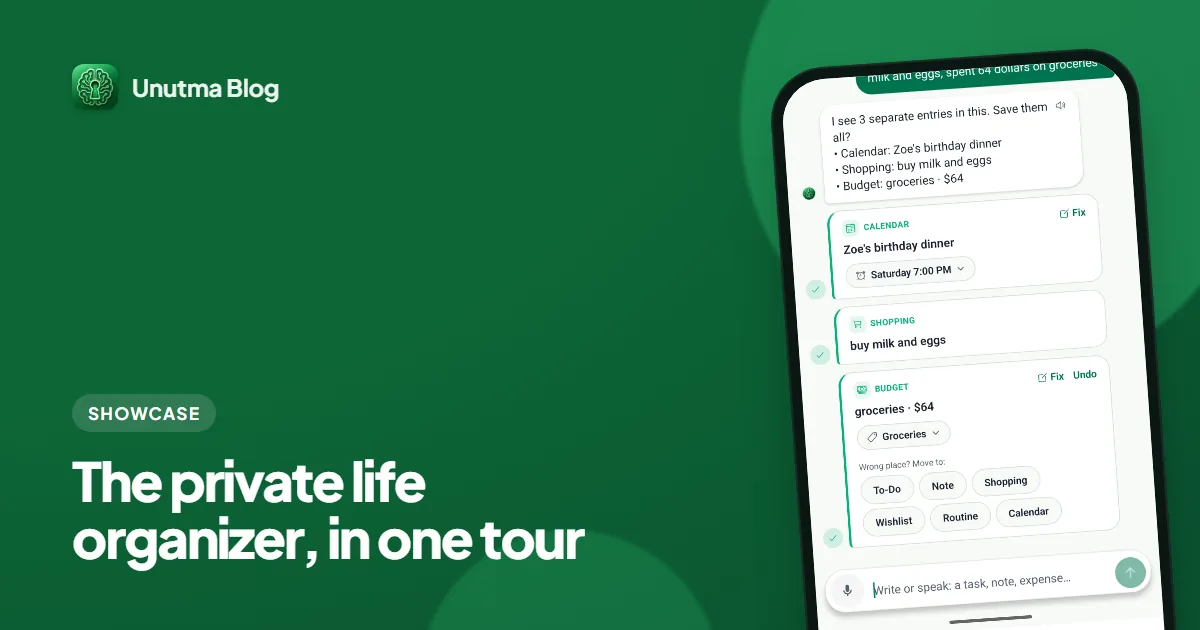
How one typed or spoken sentence becomes a task, expense, routine or vault entry on the phone, using rules and a 41 KB classifier, with honest accuracy numbers.
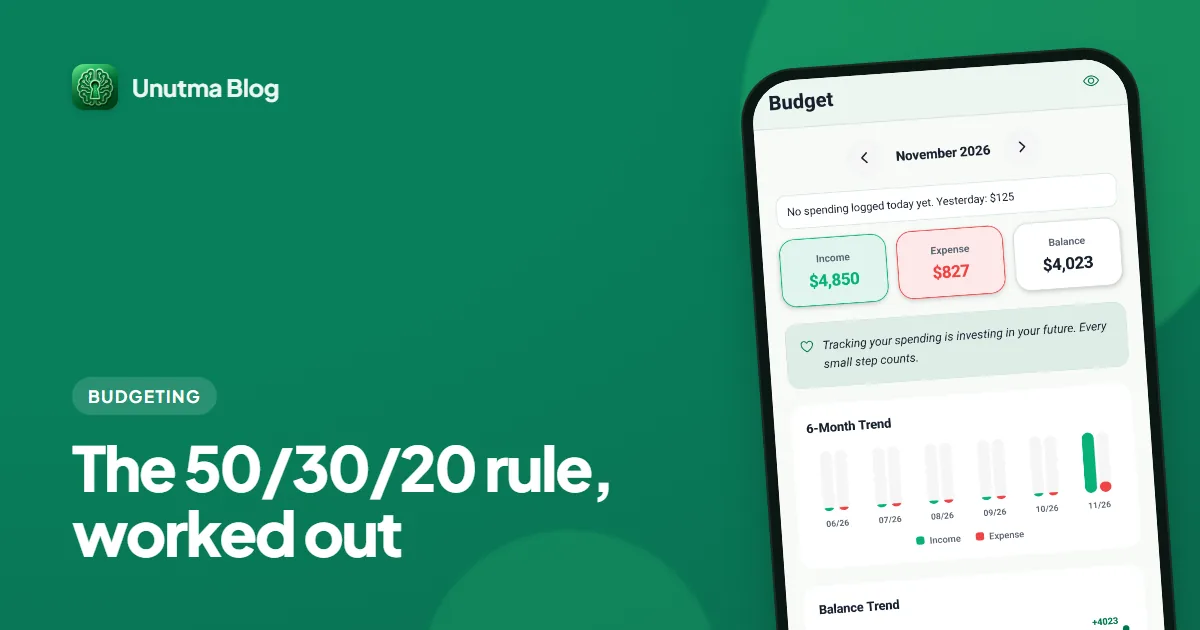
The 50/30/20 budget rule explained with a worked example in plain numbers, what counts as a need or a want, and what to do when rent alone takes half your pay.
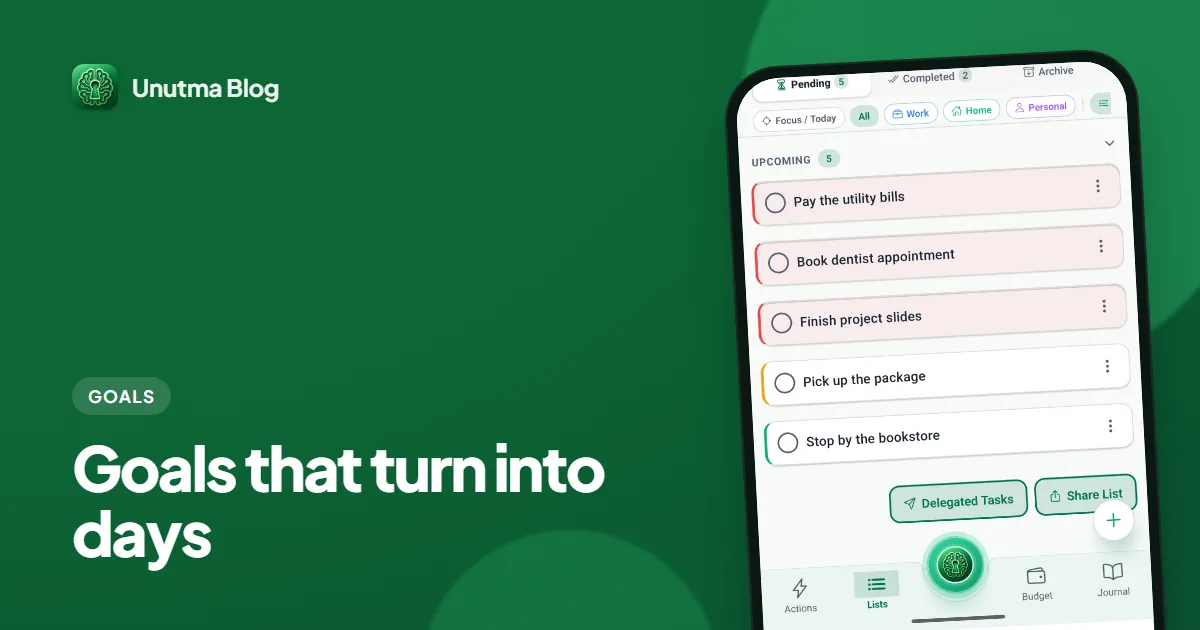
How to set and track goals by turning each one into subtasks and a routine: a conversion table, a 15-minute weekly review, and what the research supports.
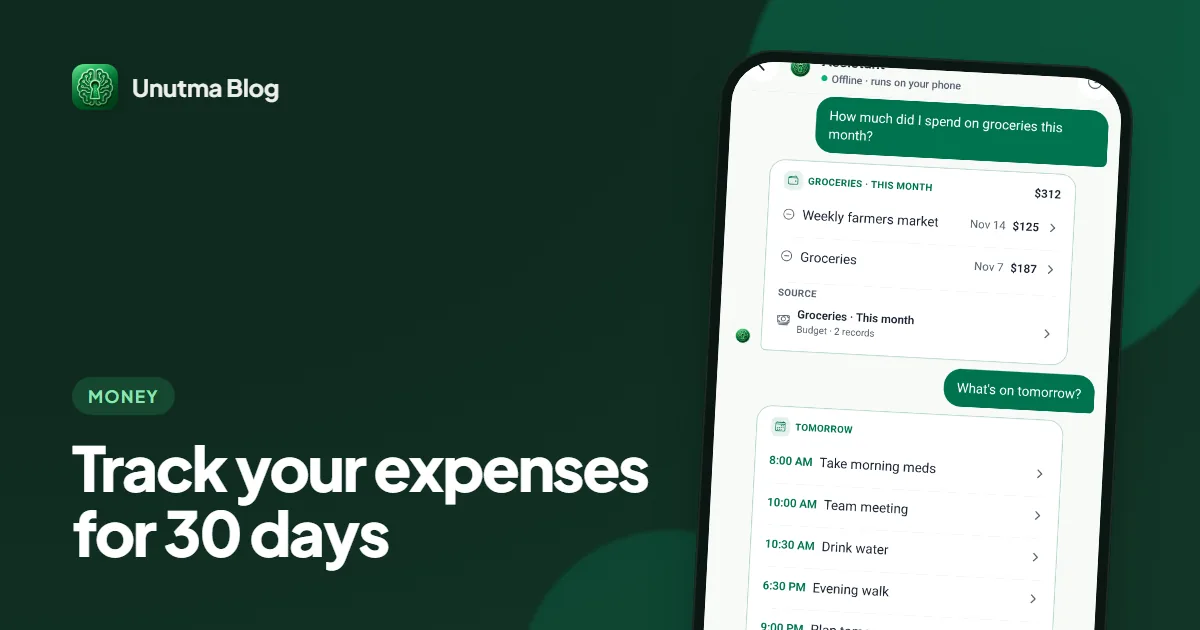
How to track personal expenses for 30 days without quitting: a day-by-day template, three ways to log, and what to look for at the end. No bank linking needed.
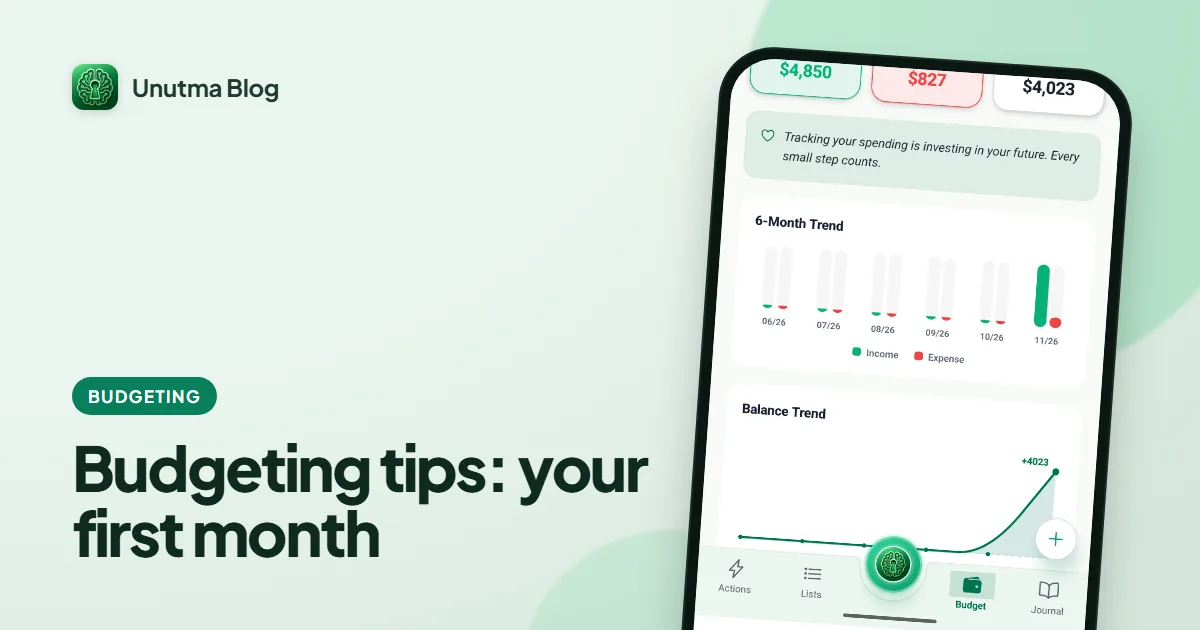
Budgeting tips for beginners, as a first-month checklist: four weeks, one task each, based on the CFPB's free budget worksheet. No spreadsheets, no bank login.
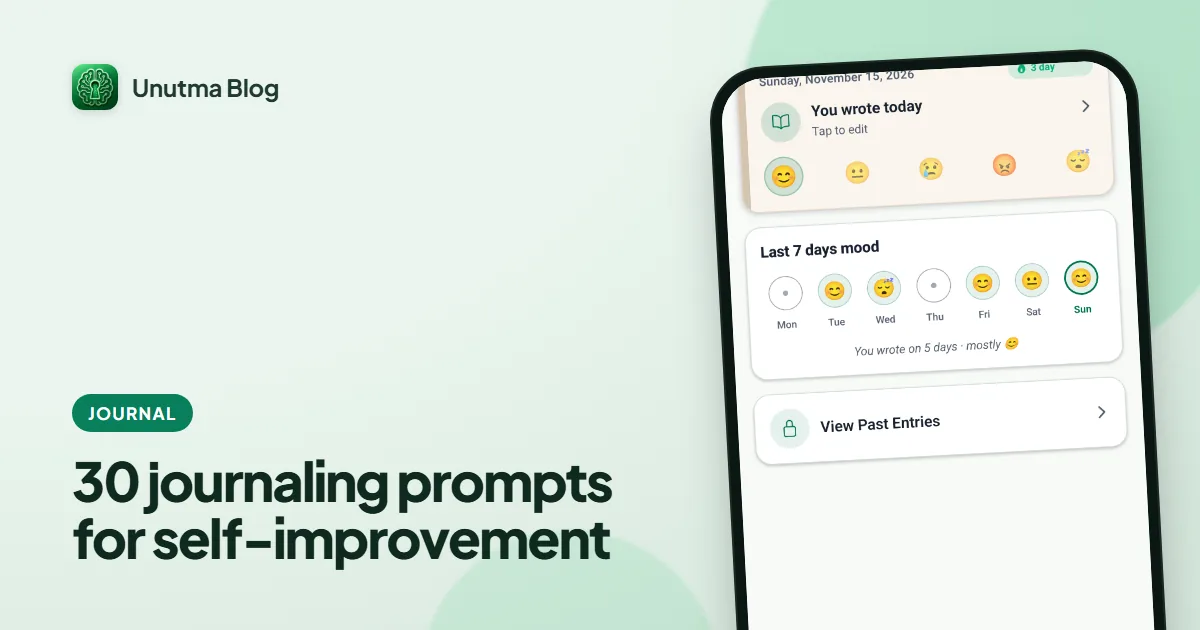
30 journaling prompts for self-improvement in five short groups, gratitude included, with how to use them in two minutes a day and what research supports.
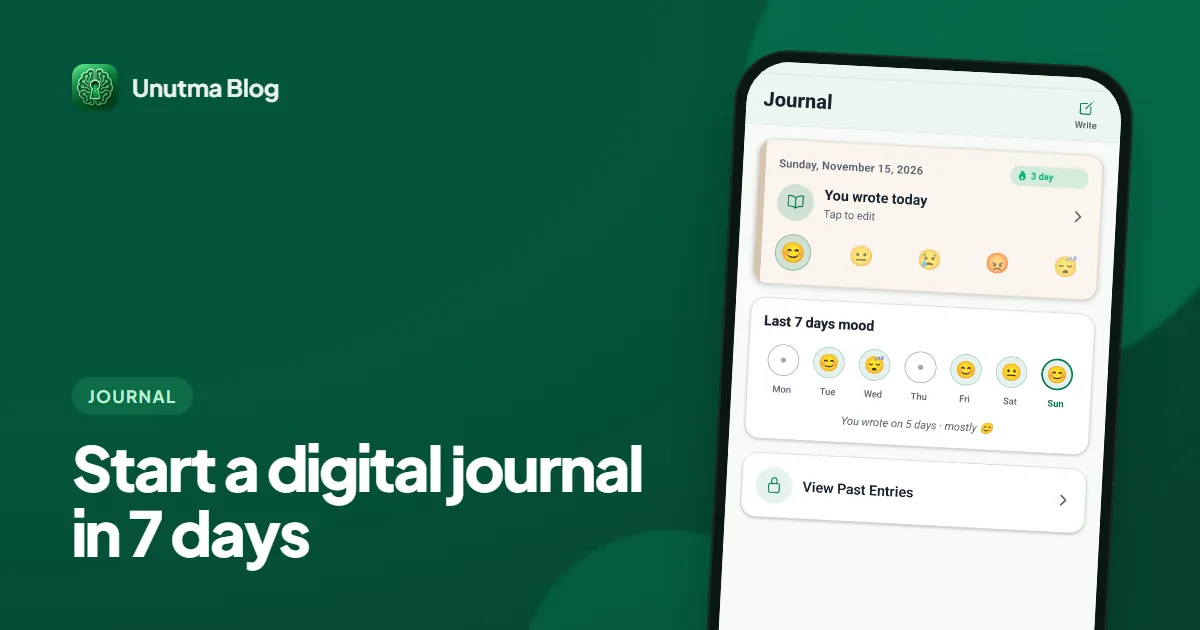
How to start a digital journal you will still open next week: a 7-day plan where a one-tap mood counts, what research says, and how to keep entries private.
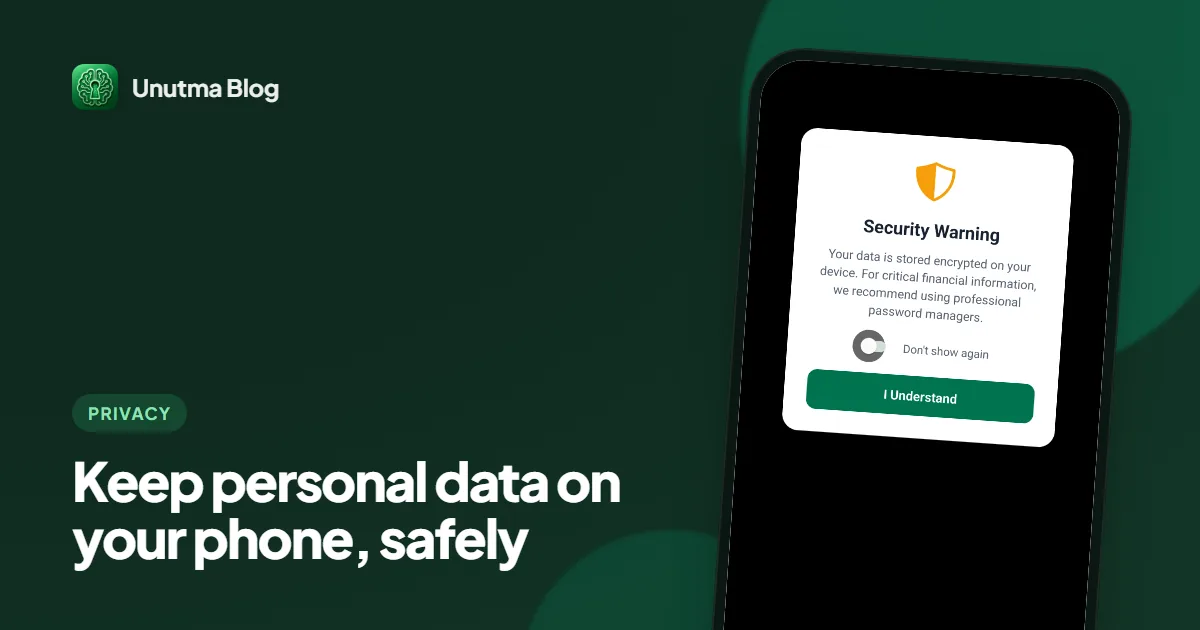
Want to keep personal data on your phone instead of the cloud? A 12-point checklist from official guidance, plus what local storage does and does not protect.
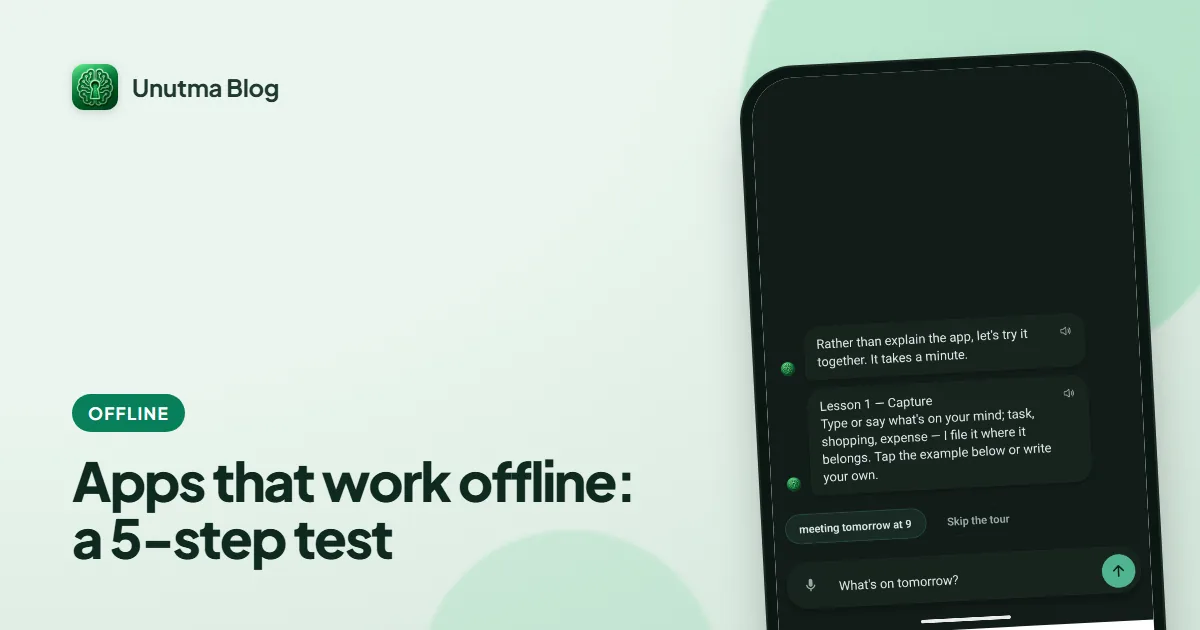
Many apps that work offline only do so until they need to sync. Run this 5-step airplane mode and restart test, and see which features truly work offline.
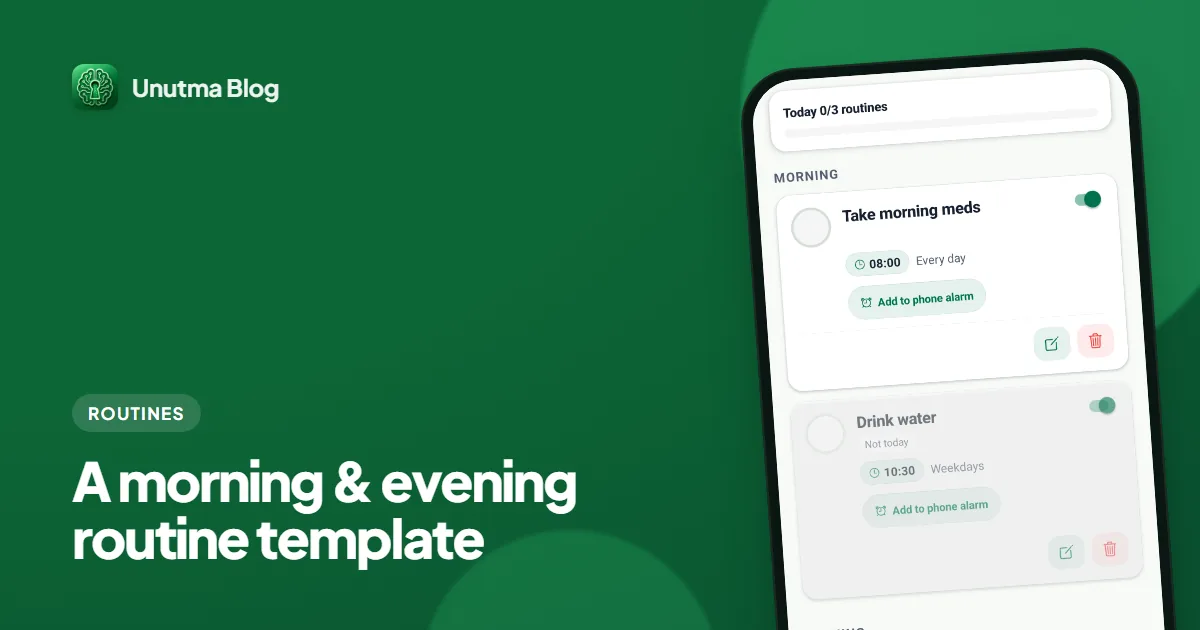
A morning and evening routine template in two columns, with a short version for bad days, CDC sleep guidance, and how to set both up as phone reminders.
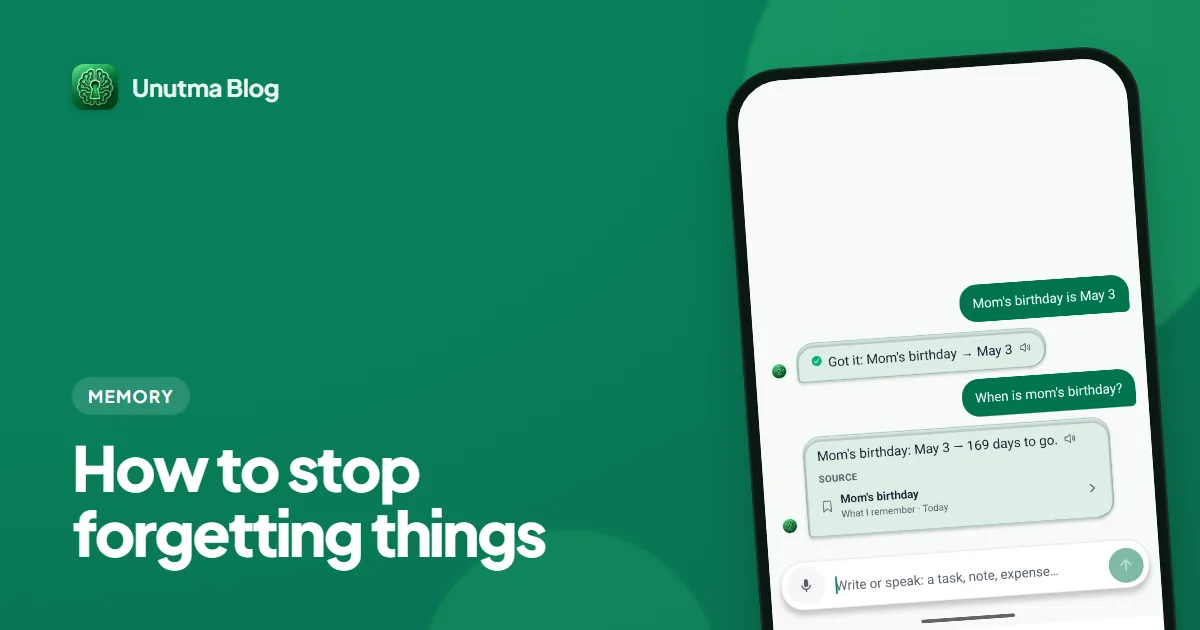
How to stop forgetting things like keys, medication, the door and appointments: a checklist of common forgetting points and a two-minute daily loop.
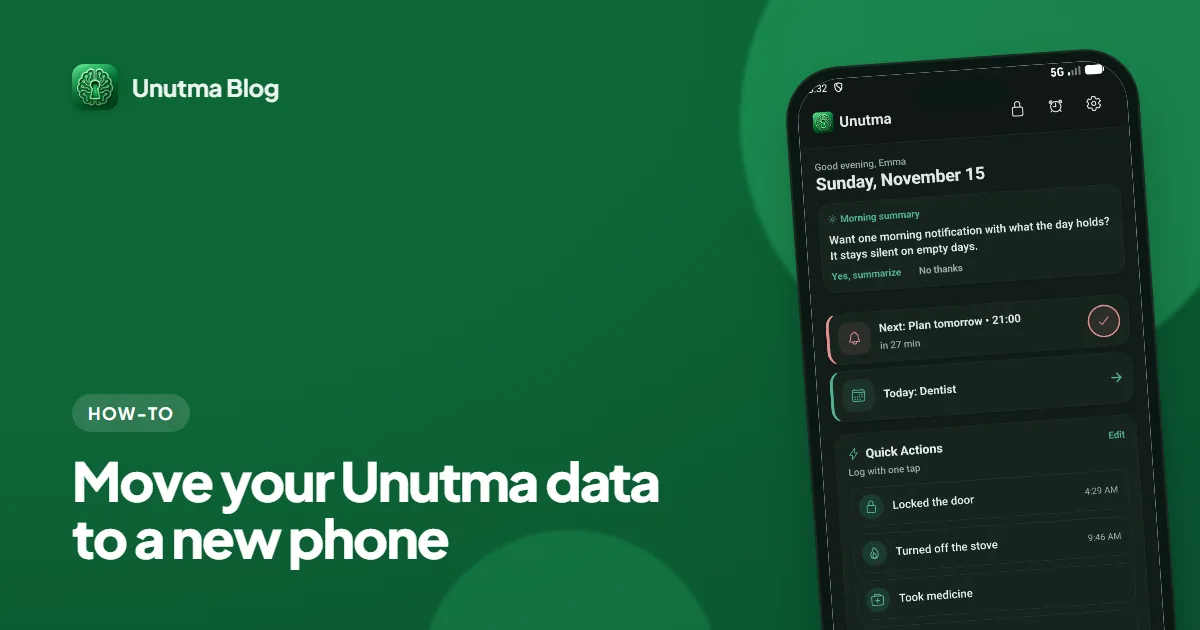
Unutma keeps everything on your device — no account, no cloud. That means moving to a new phone is a deliberate step. Here is the exact path, including the one place people get stuck.
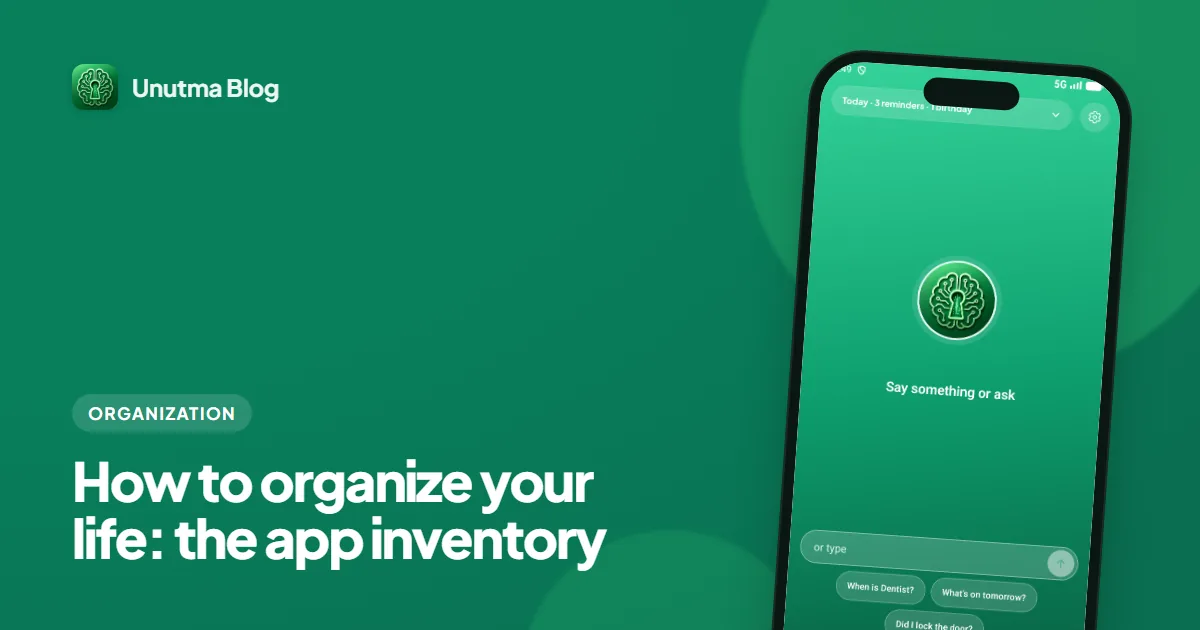
How to organize your life starts with an inventory: list where your notes, lists, dates, passwords and money live, then cut down the places you check.
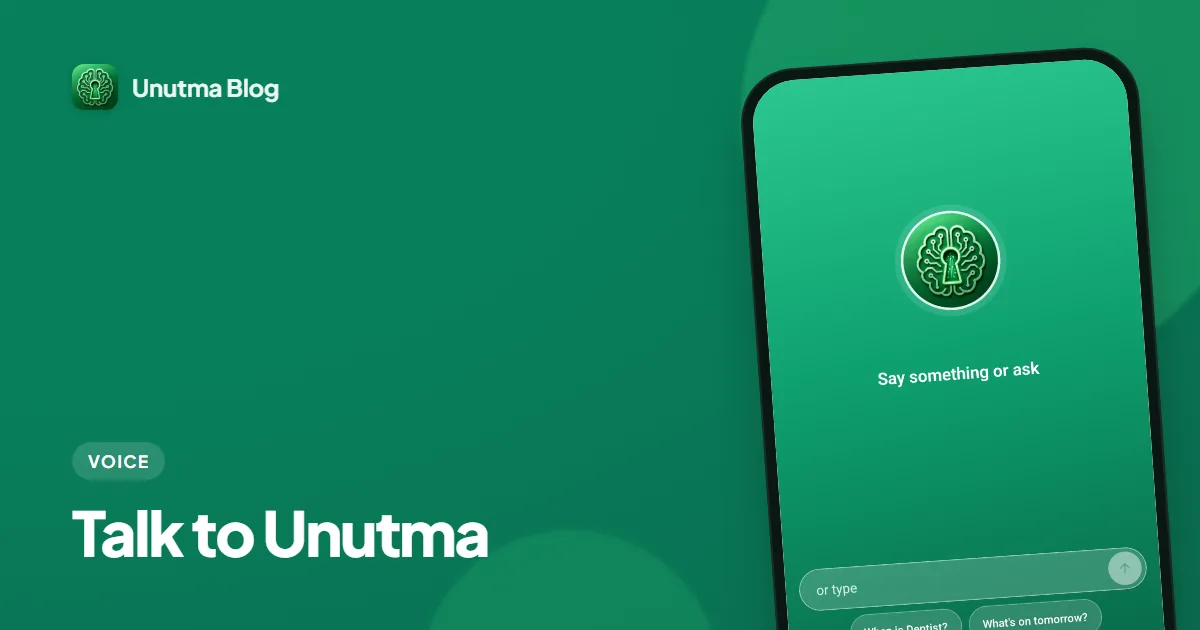
Unutma doesn't just transcribe your voice — it understands it. Say a task, an expense, or 'open my calendar' and watch it go straight to the right place, hands-free.
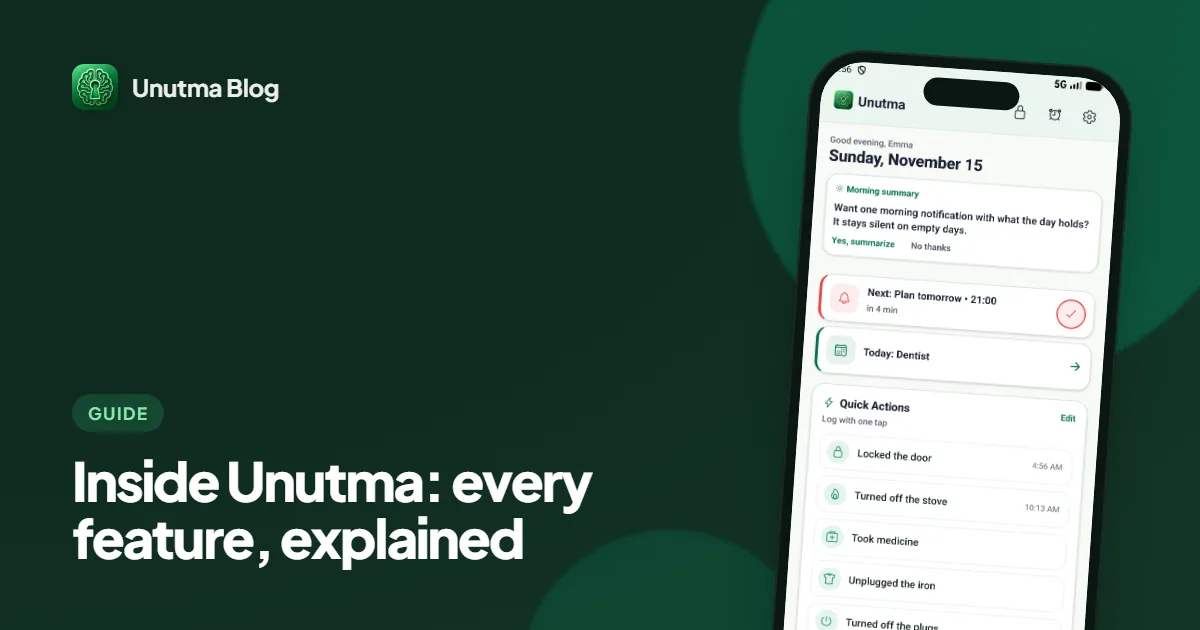
See every major Unutma feature in one detailed visual guide: quick actions, routines, notes, lists, privacy, offline use, and Premium.
Why we built Unutma, what we believe about privacy and calm productivity, and how your suggestions shape what we ship next.
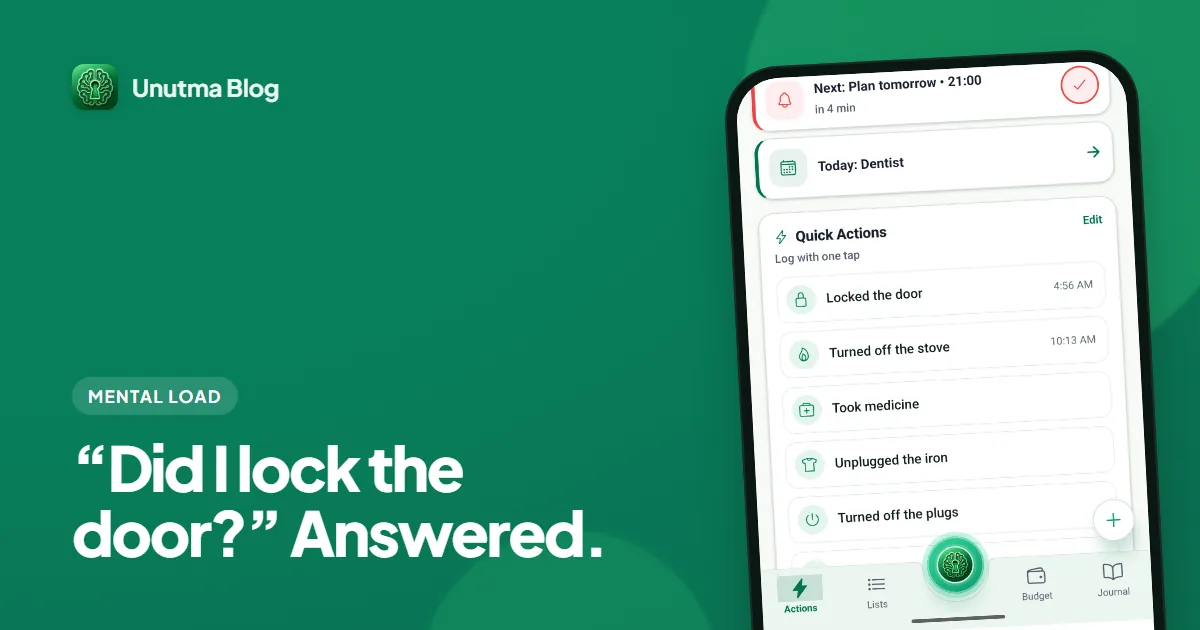
Why checklist apps still leave you anxious, how a one-tap log changes the mental game, and what to look for in a privacy-first organizer — with Unutma as the practical example.
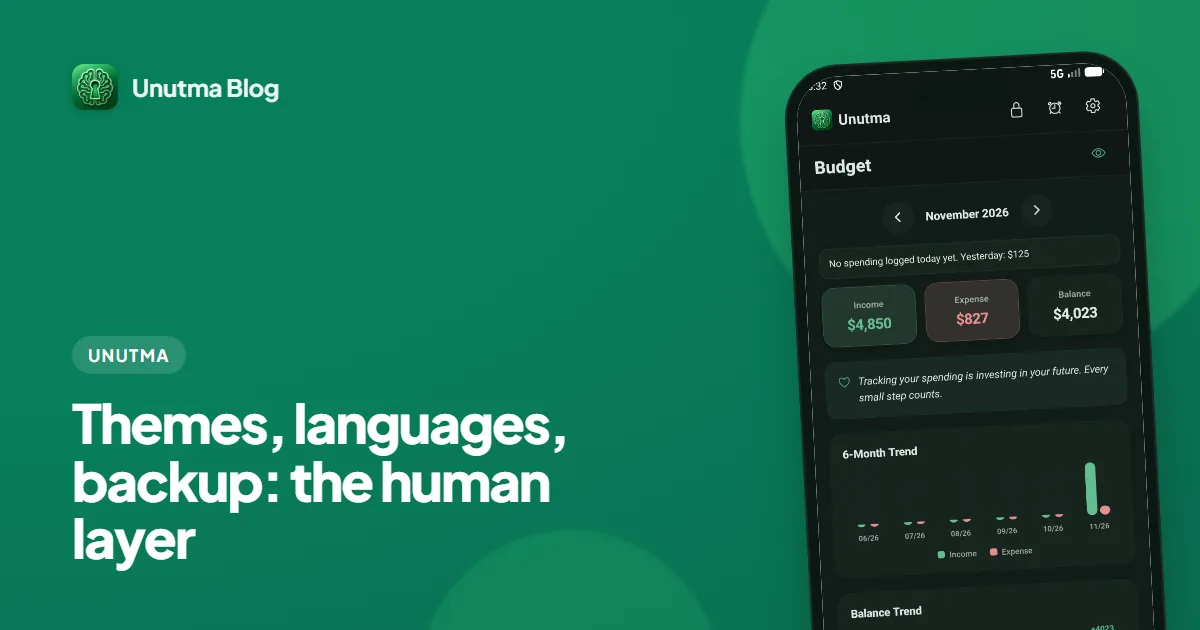
Beyond tasks and money — how Unutma’s 12 themes, brain-break games, multilingual UI, and export/backup choices keep the app livable for real humans.
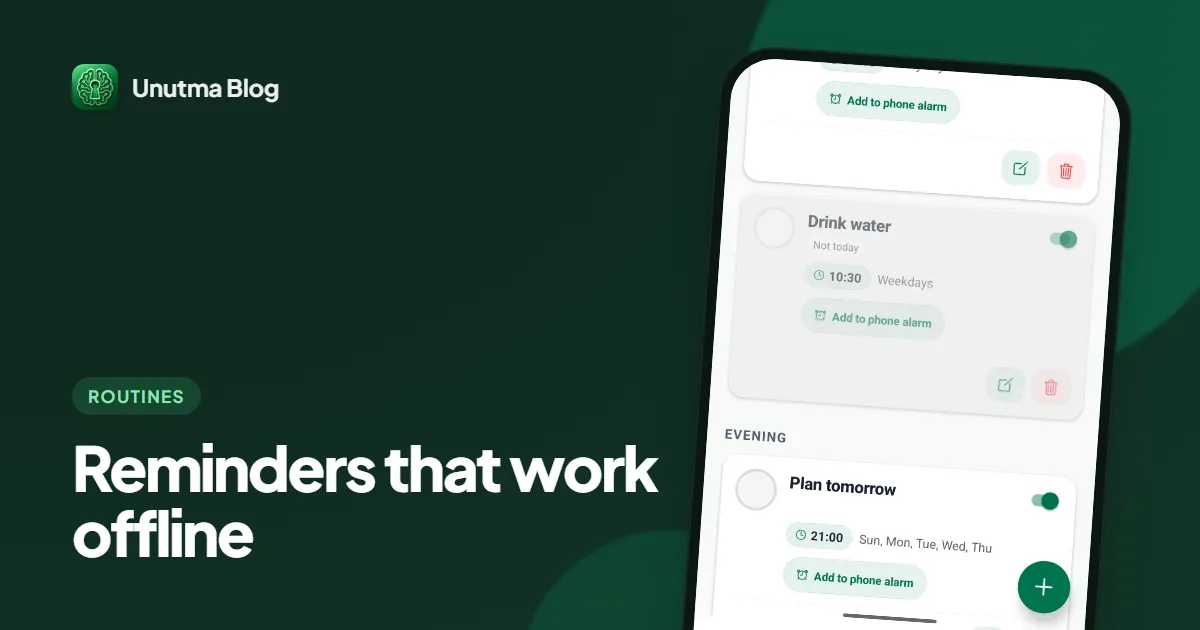
A reminders app that works offline schedules alerts on the phone itself. Routines, calendar and widgets in Unutma, plus a battery-saver notification test.
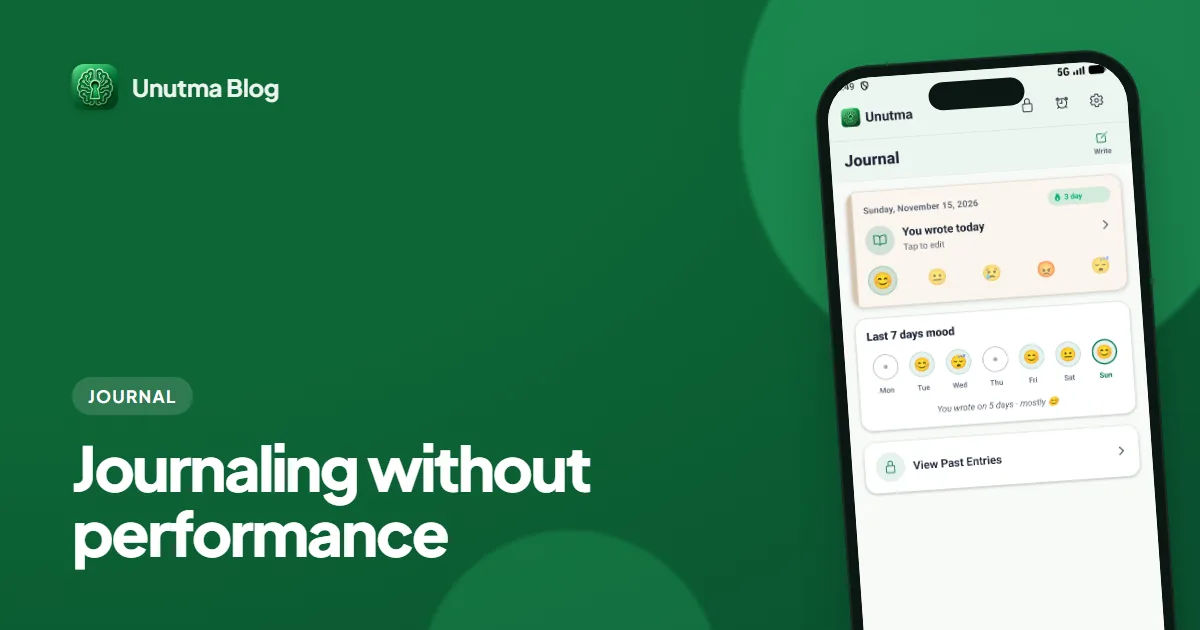
How Unutma’s Journal blends mood tracking with writing — including voice-friendly capture — so reflection stays private, small, and sustainable.
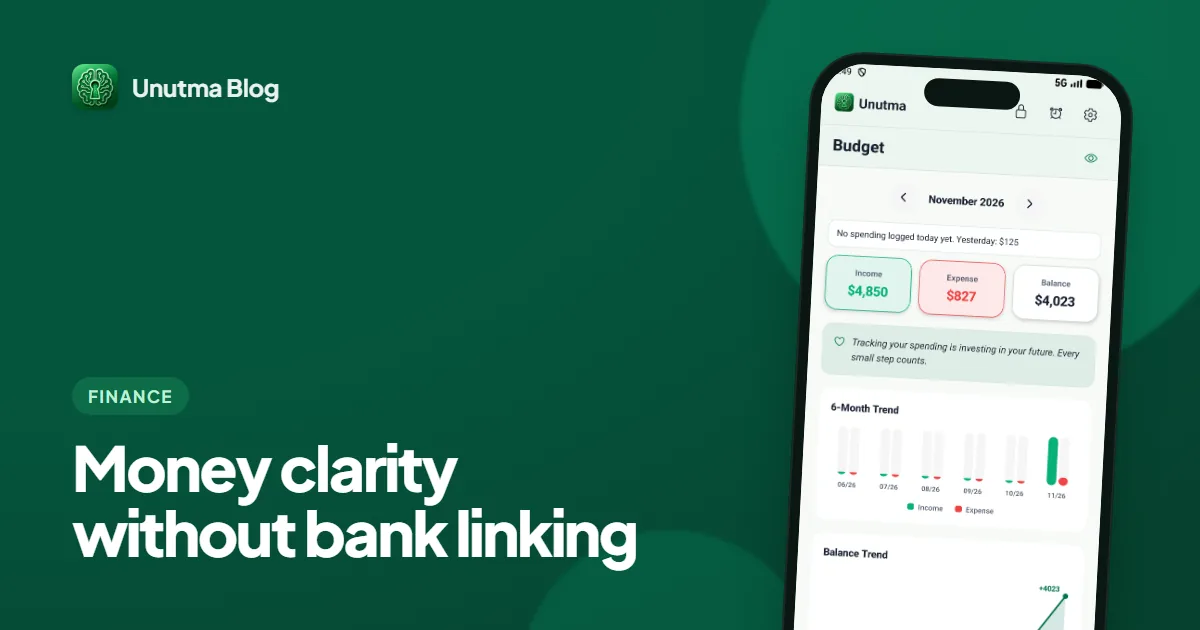
An expense tracker without bank linking: how one typed sentence becomes an expense, the honest cost of manual entry, and a tour of budgets, bills and assets.
An offline password vault app on your phone: how Unutma's Vault encrypts entries, what it does not protect, and a lost-phone checklist with backup steps.
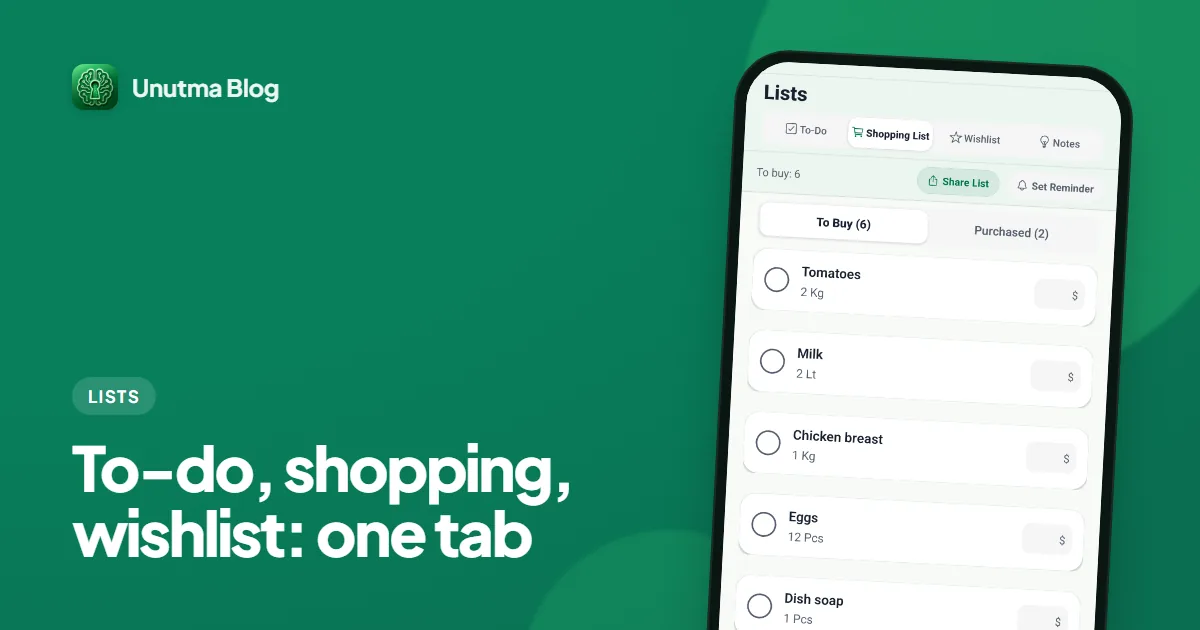
Why Unutma separates work tasks, grocery runs, and long-term wishes — and how to move items between them without turning your phone into a second job.
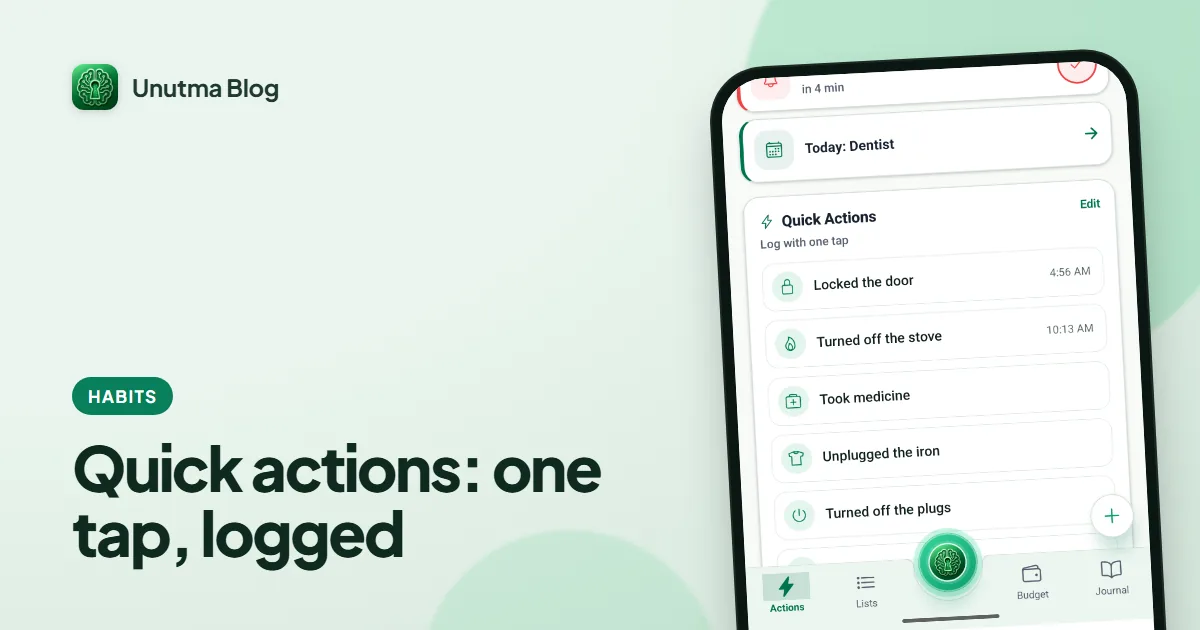
How one-tap checklist logging in Unutma proves you locked the door, unplugged the iron, or took your meds — plus streaks and heatmaps that stay private on your device.
From quick actions and lists to vault, money tracking, and journal — how Unutma is organized, what each area does, and how to build a calmer routine around it.
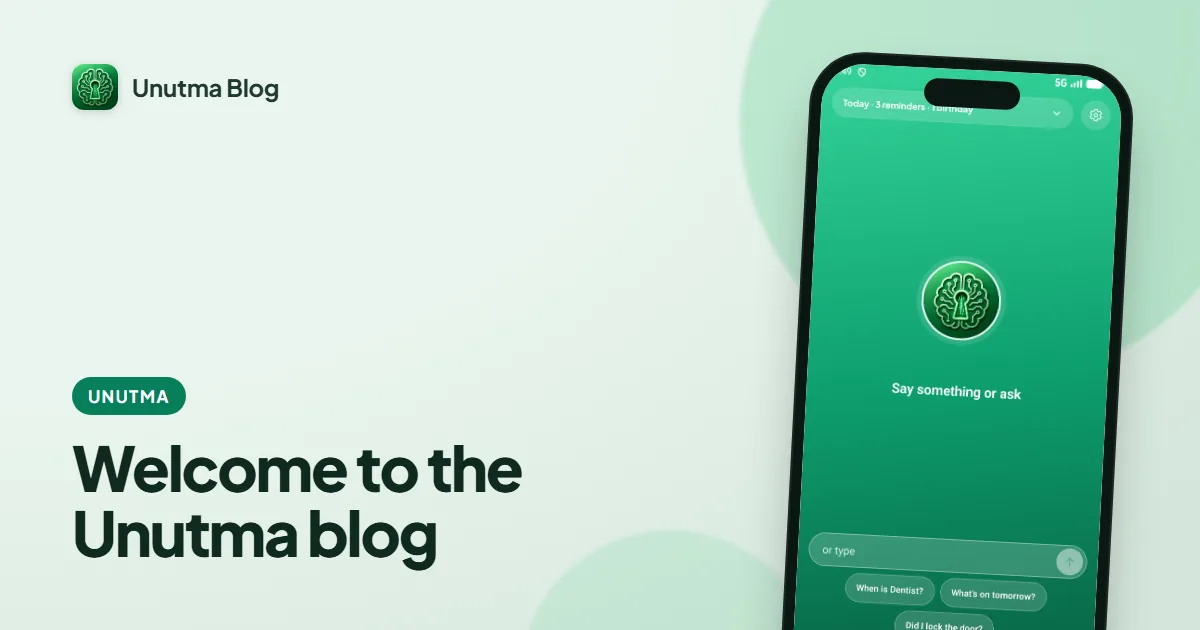
Why we started this blog, what you will find here, and how it connects to the Unutma app — offline, private organization.